eazyBI features
Spend your time exploring and analyzing your data, not fighting it. No complex configurations or setup is required.
AI assistants for report building
Combine your business knowledge with AI's technical assistance to build your reports, invent new metrics, and navigate the product.
- Describe reports, charts, and metrics in plain language — and get them built
- Adjust and expand imported data or group it into custom hierarchies
- Improve existing reports and measures or get them explained back to you
The eazyBI CLI and the agent skill
Put your AI agent to work on time-consuming reporting tasks. With the eazyBI CLI and its agent skill, it works from trusted eazyBI numbers within the access you grant — then uses them in your workflows, or further into analysis, a summary, or slides.
- Open, create, and update reports and dashboards
- Export results to CSV, Excel, JSON, PDF, or PNG files
- Administer eazyBI: manage sources, data imports, and user access
Build your next integration
with your agent
Your business doesn’t stop at a connector list. Give an AI agent the eazyBI custom sources skill, and it will build the source app for your API or SQL database — connection, data model, imports, and sample reports.
Many data sources
Import your data from popular web applications, databases, or files.






























Custom reports, charts, and dashboards
Create custom reports, charts, and dashboards with an easy-to-use drag-and-drop report builder. Create new tables, charts, reports, and dashboards with just a couple of clicks. Quickly discover new insights and opportunities with all your data at your fingertips.
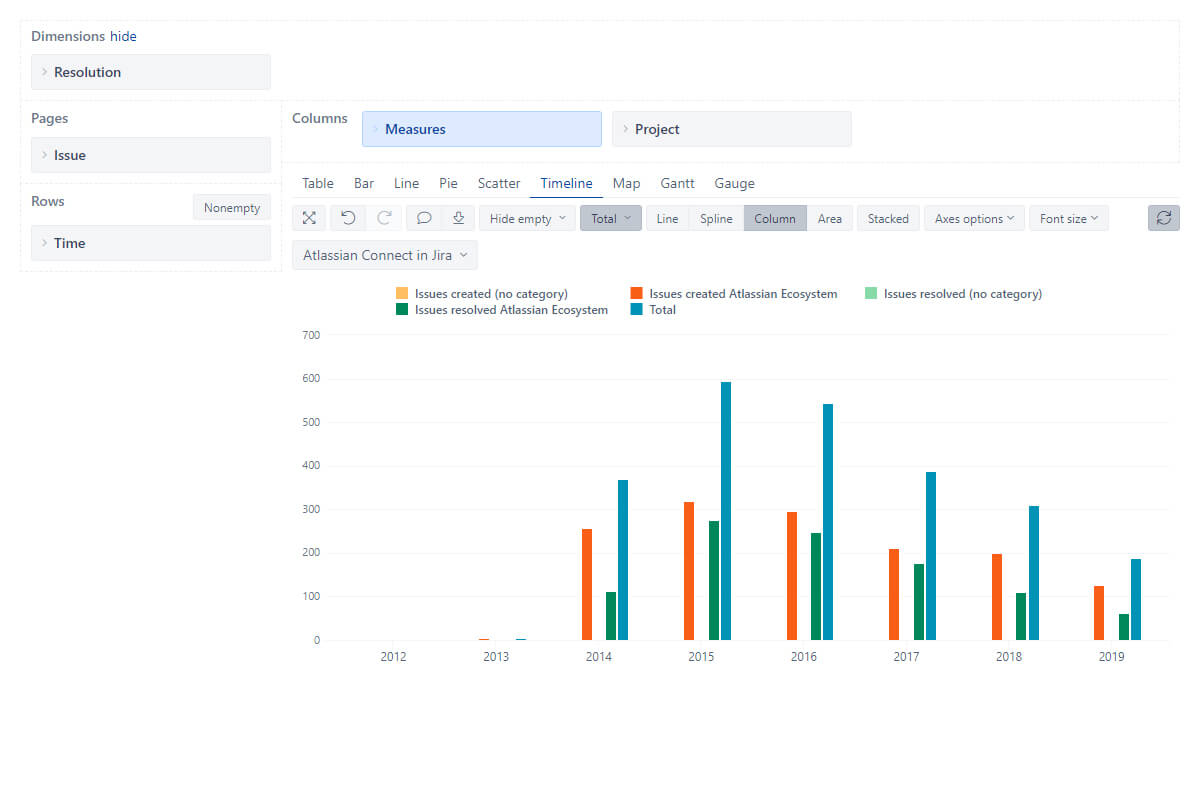
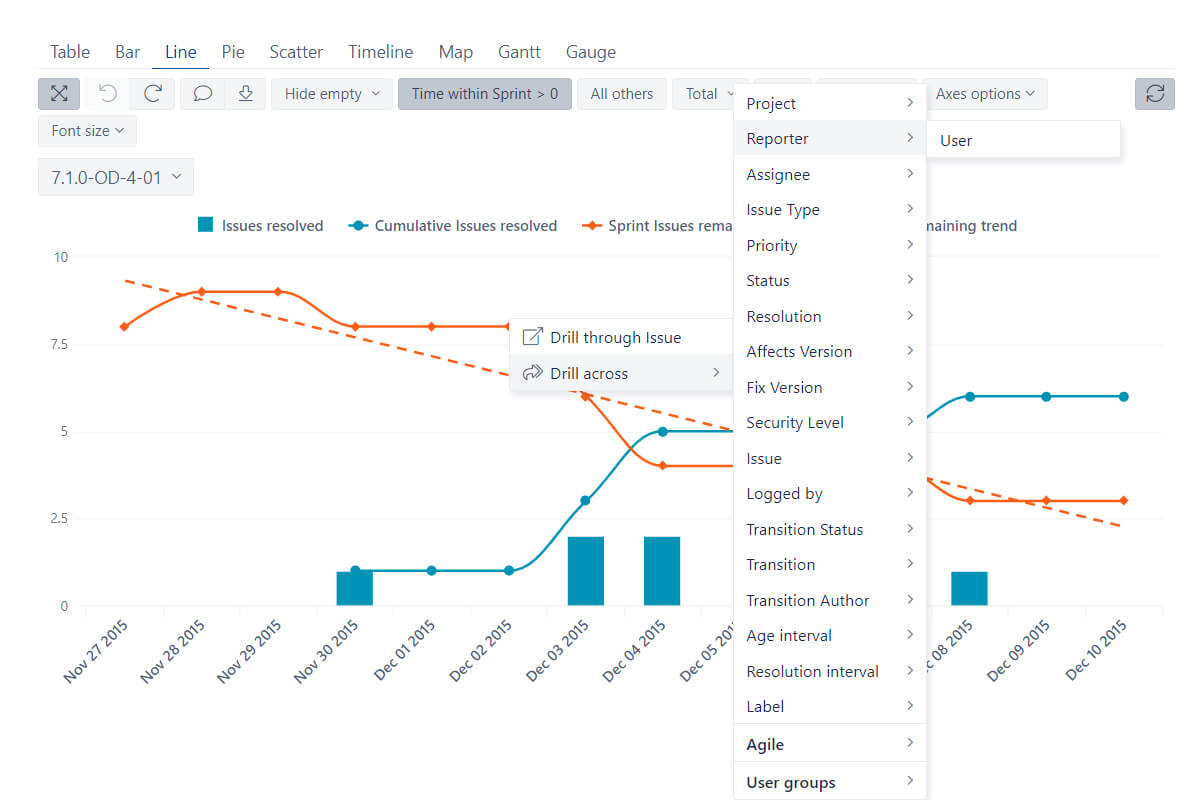
Interactive data analysis and visualization
Explore and analyze your data with instant feedback. Start with a summary and dig into details to examine your business data with multi-dimensional analysis. Drill-in or across other dimensions right from the report. Find actionable insights, trends, and opportunities, make smart and data-driven decisions.
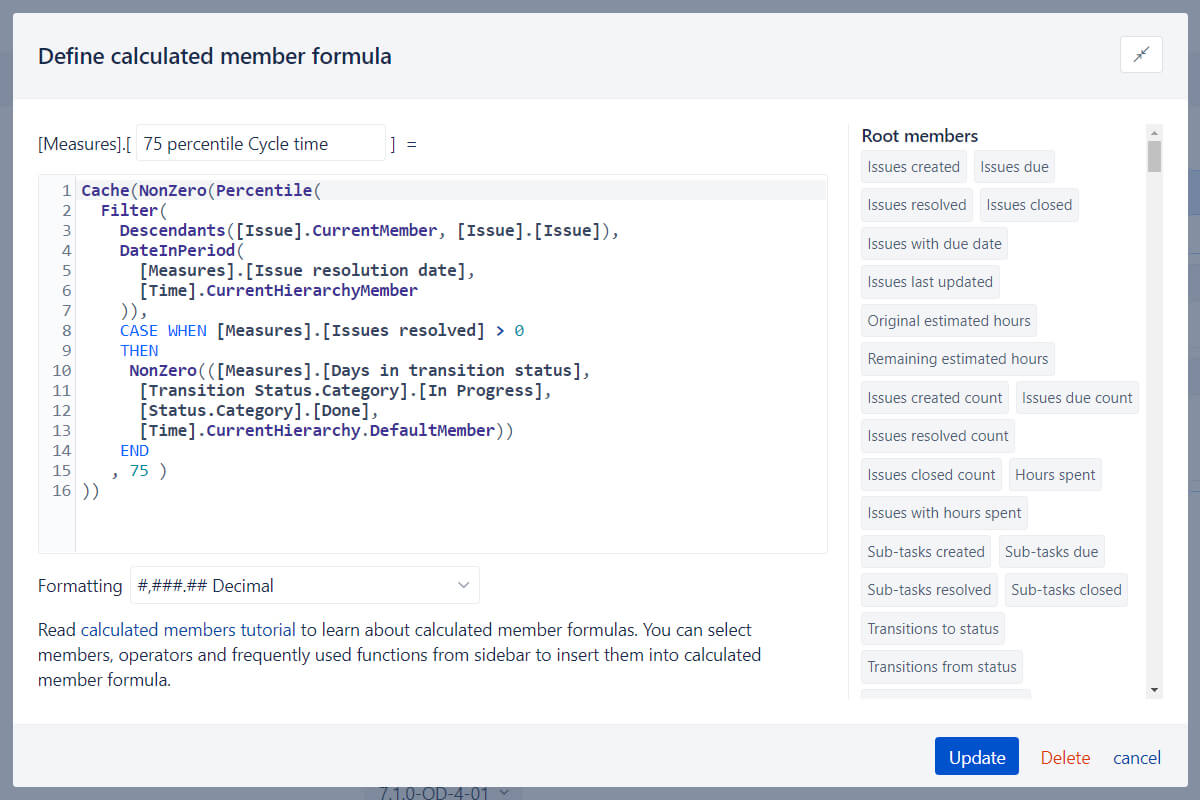
Powerful calculations for advanced users
Go way beyond basic analysis by creating new measures and powerful calculations. Start with many predefined calculations or write your own using the built-in MDX editor with auto-complete and syntax highlighting. Perform multi-dimensional analysis and examine your business data in almost any way you need.
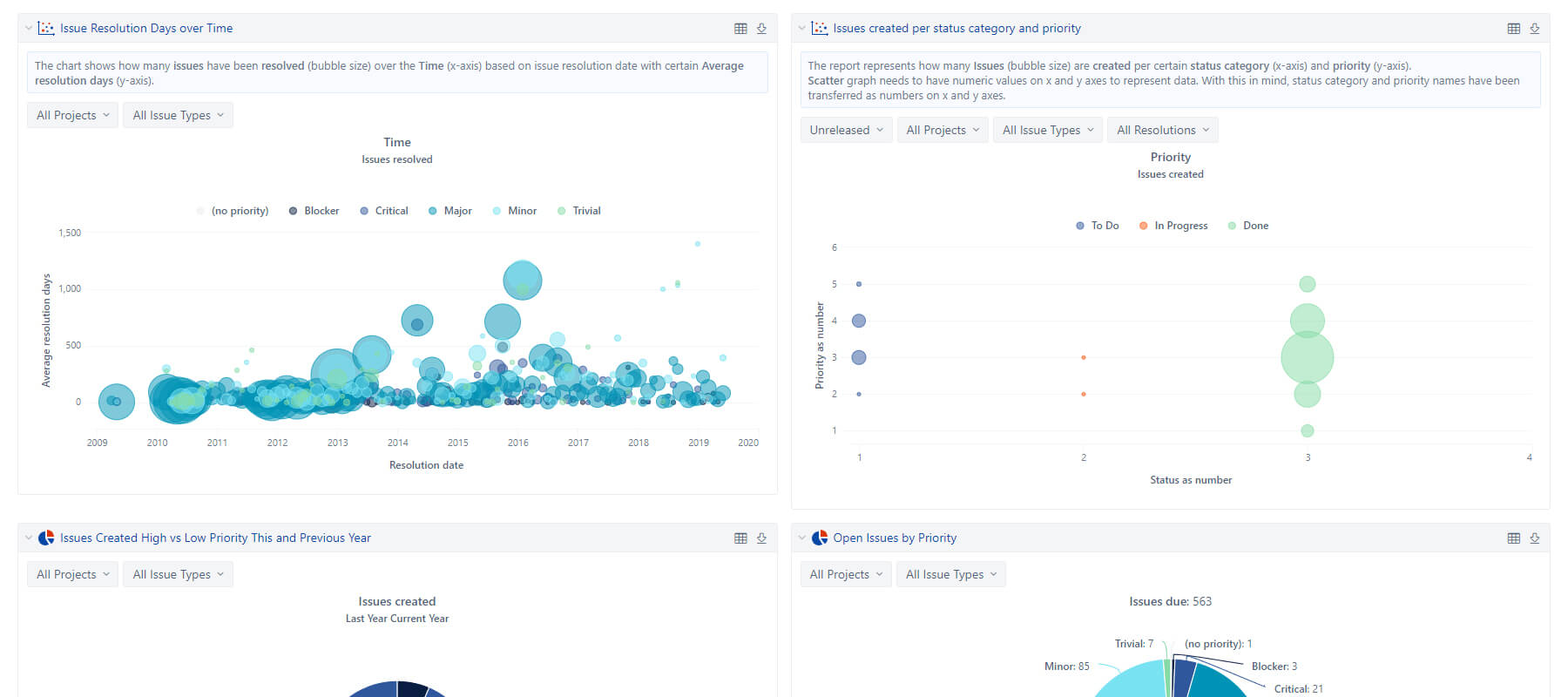
Personalized reports and dashboards
Create powerful, personalized reports and dashboards in minutes, and enjoy regular automatic data updates, with simple configurations and setup.
Embed your reports and dashboards to share or publish them. Share privately via OpenSocial gadget or export any results to CSV or Excel.
Many interactive chart types
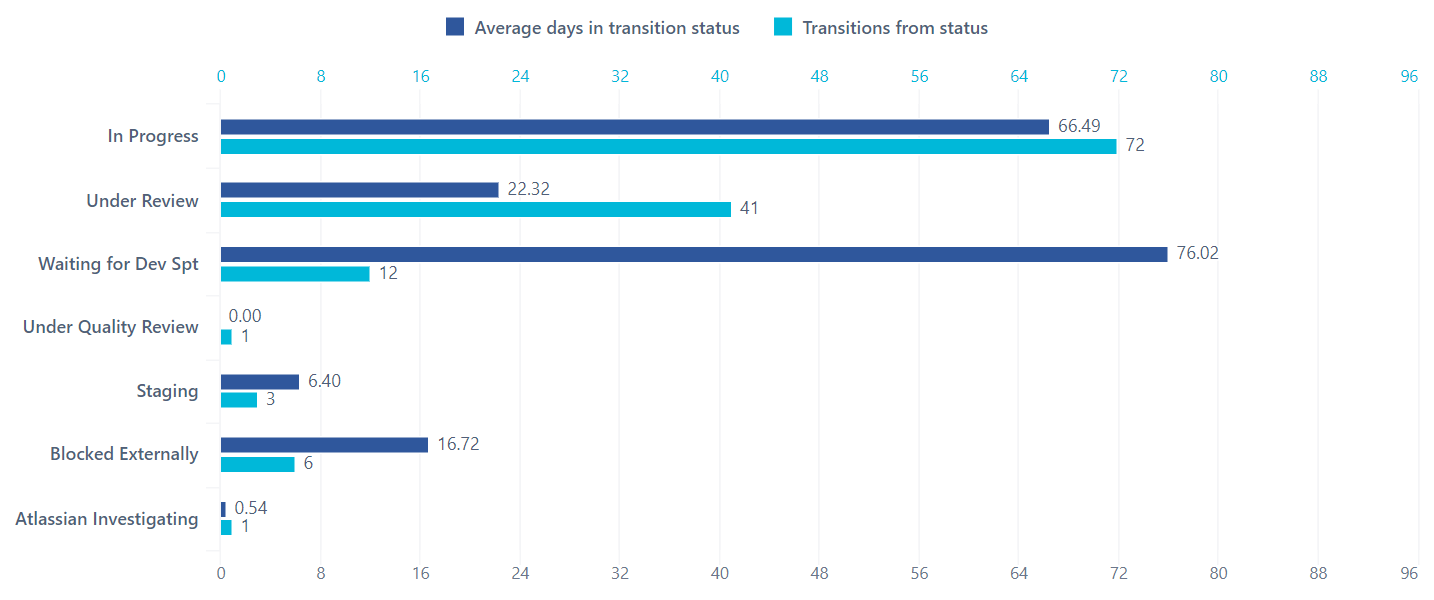
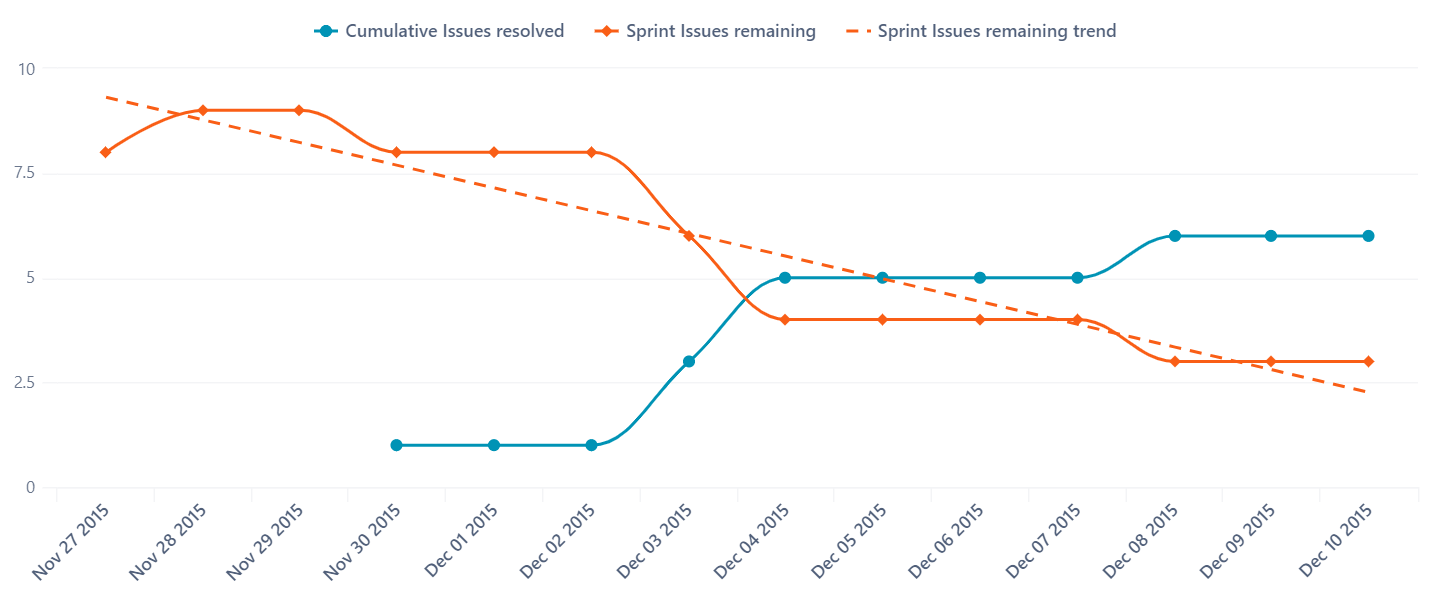
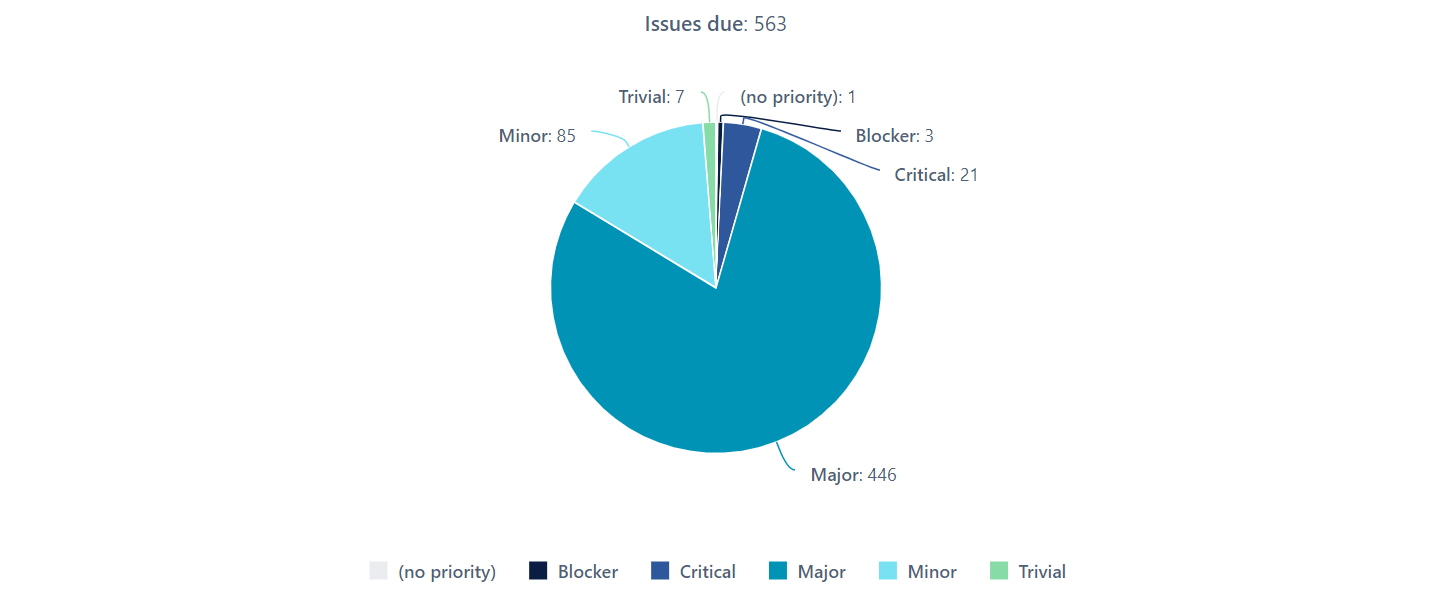
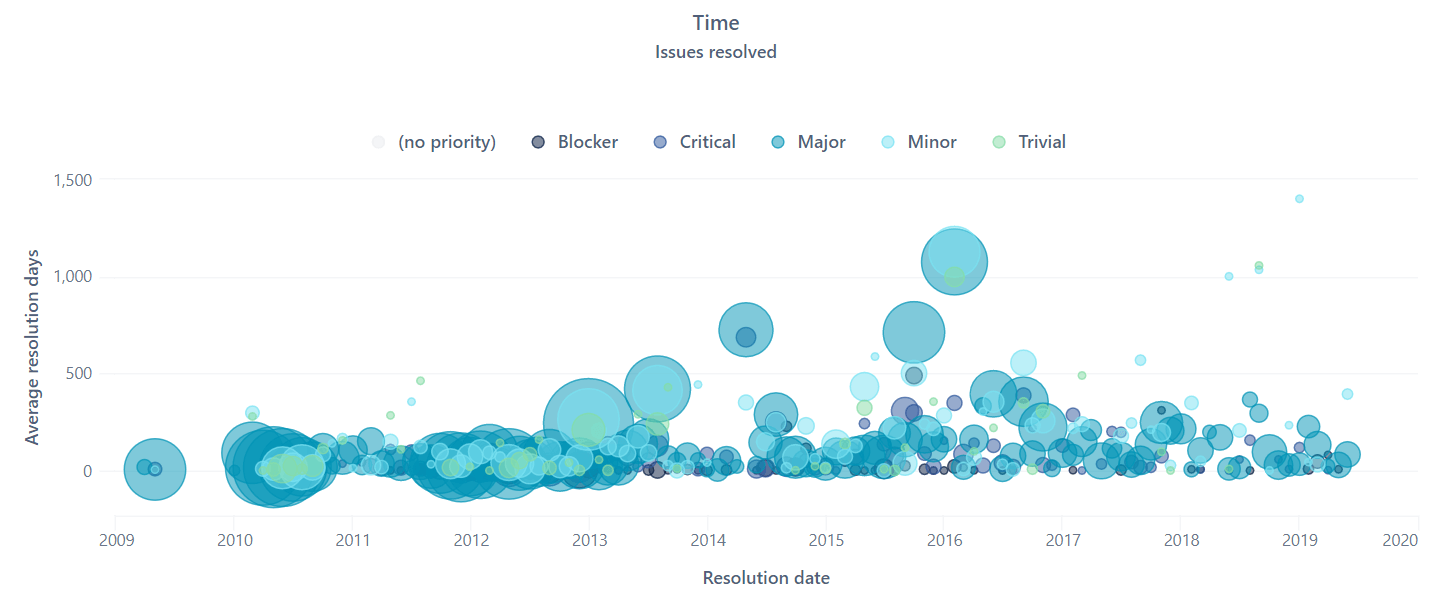
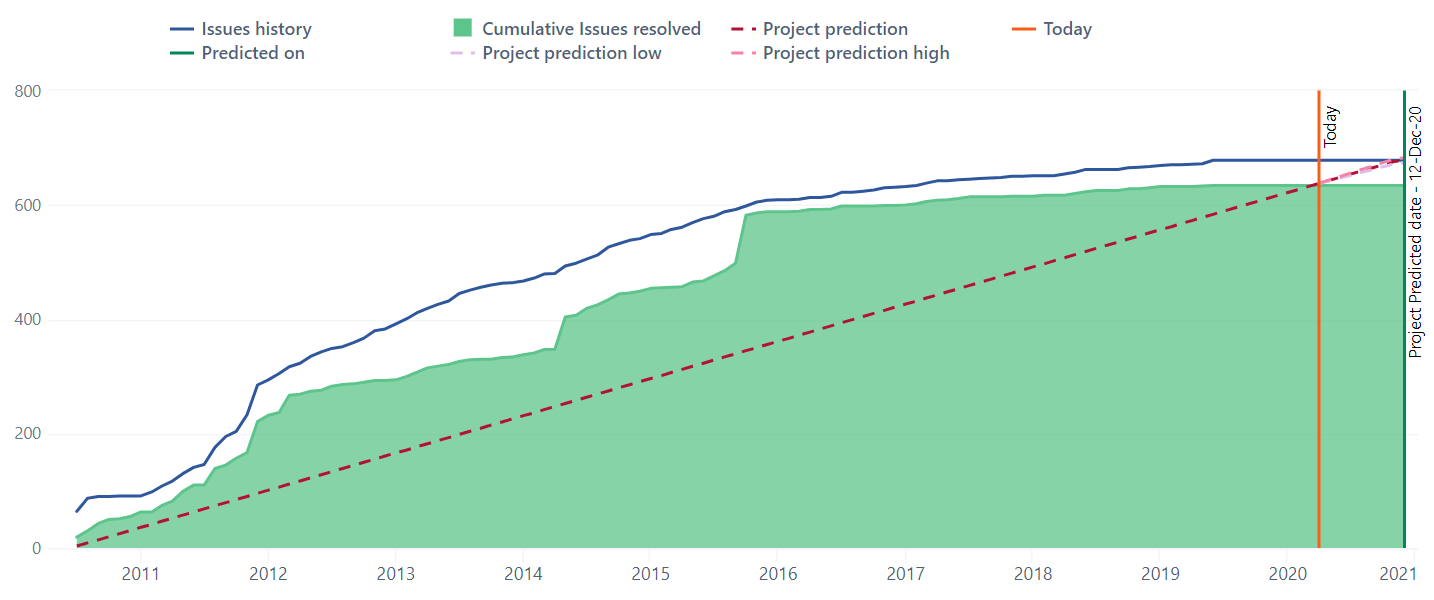
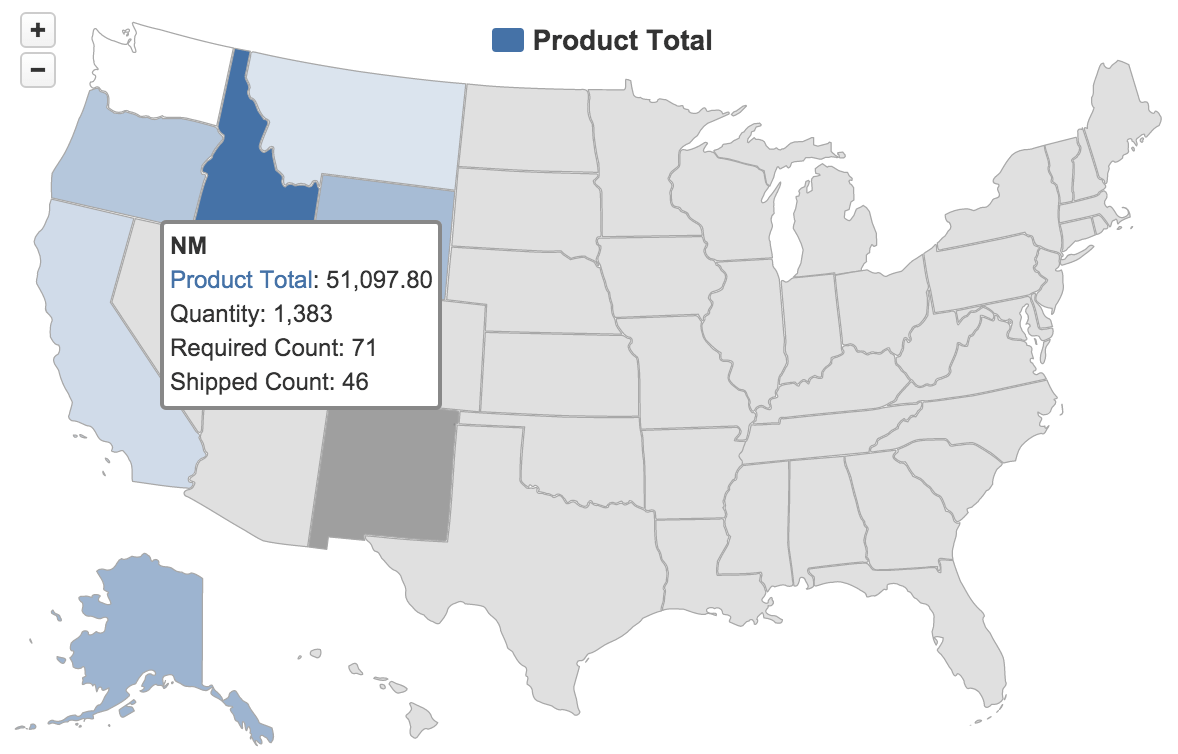
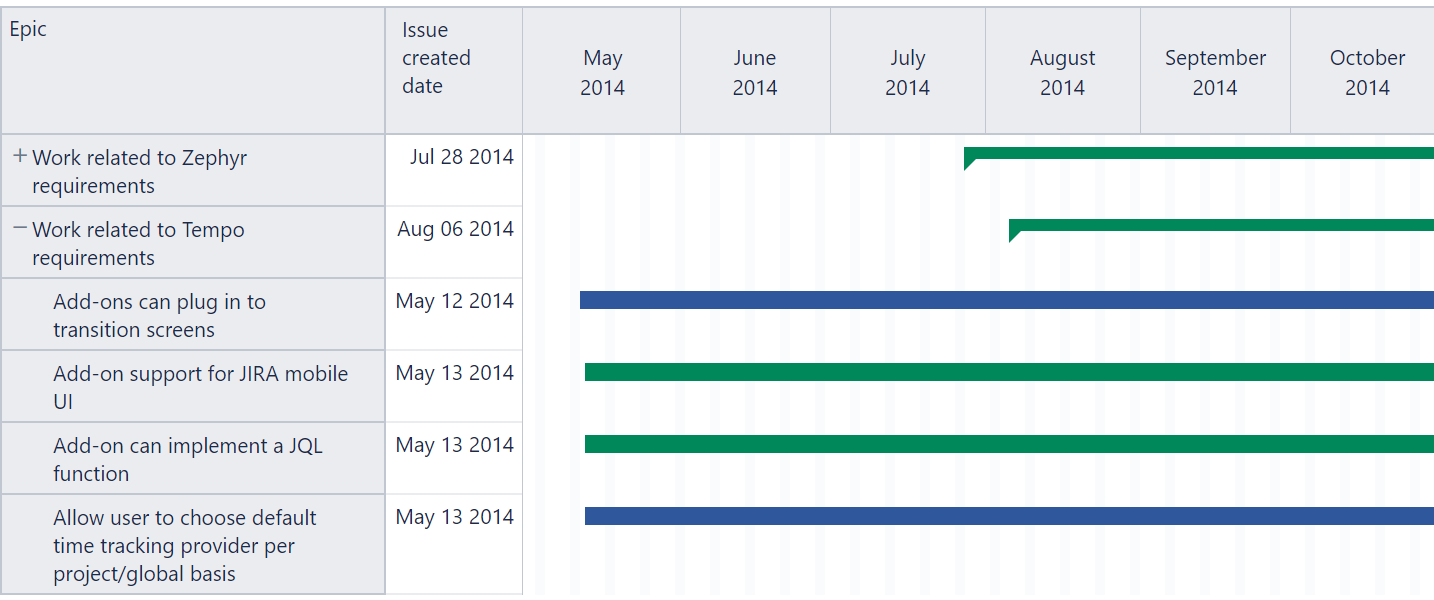
Quickly switch between table, column, bar, line, area, pie, scatter, bubble, timeline, map, Gantt, gauge, or mixed charts to pick an interactive chart type that suits your data best.
Table chart
All your numbers side by side
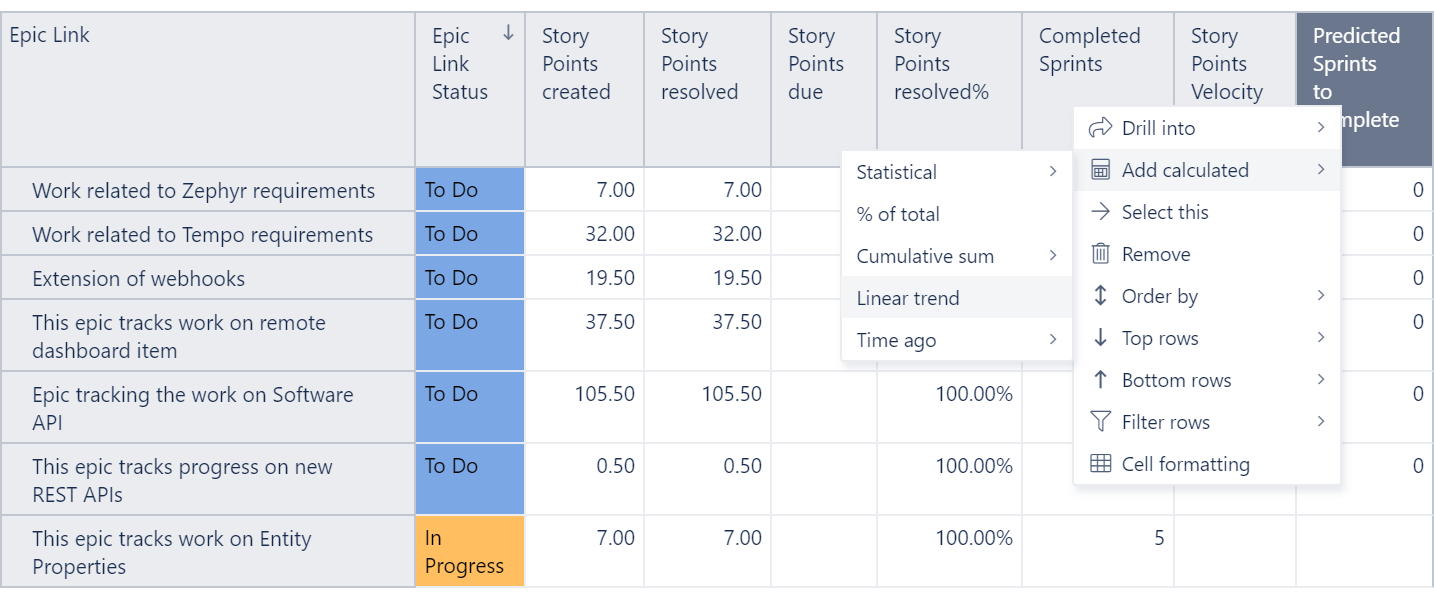
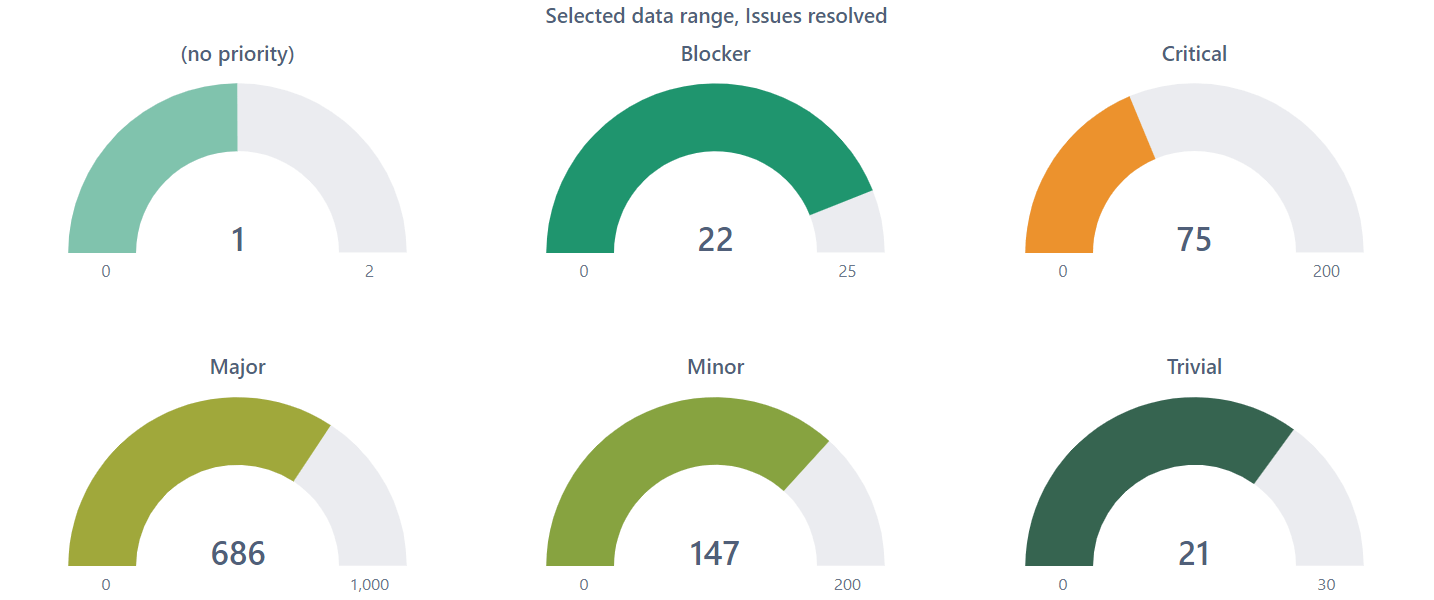
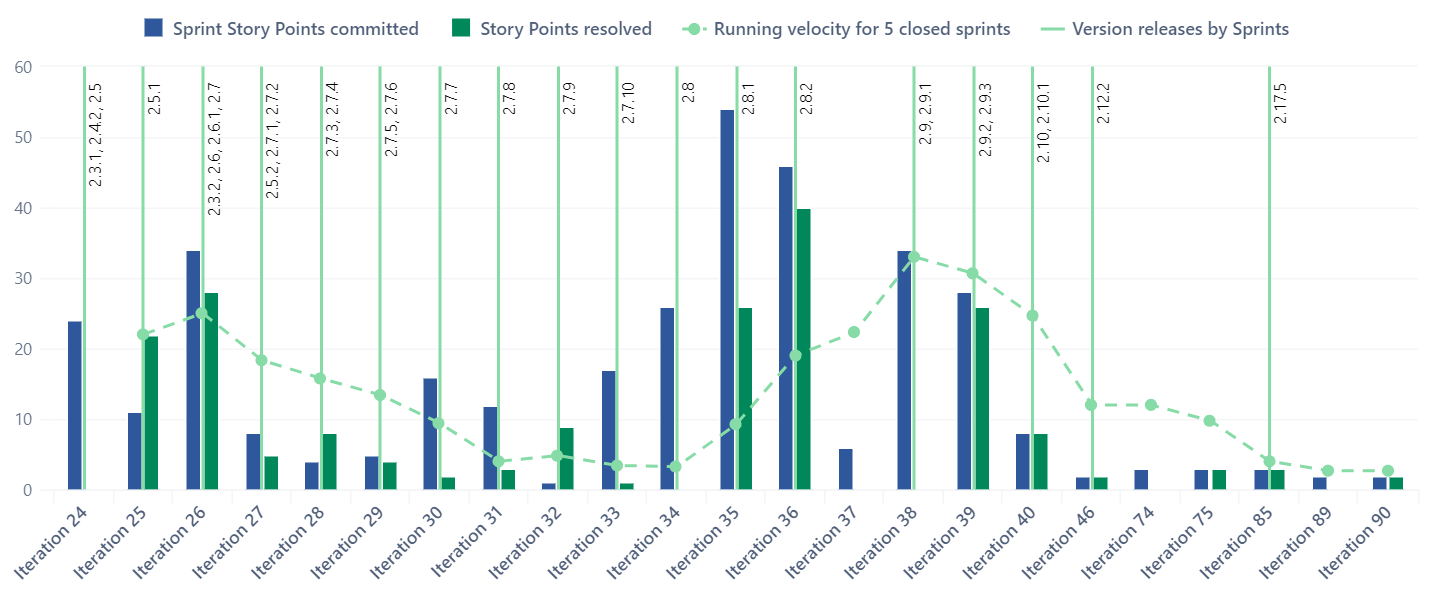
Drag and drop your columns, delve into details or across dimensions, set conditional formatting, create your filters or set limits.
Start a 30-day free trial
Try eazyBI free for 30 days to see if it’s right for you. If you need any help or support, feel free to reach out to support@eazybi.com — we’re there for you.
Try it freeSupport & resources
eazyBI’s powerful report builder comes with an extensive knowledge base, a vibrant community, and experienced support.
 Support
Top-rated support ready to guide you through your reporting journey.
Support
Top-rated support ready to guide you through your reporting journey.
 Documentation
Detailed documentation with tutorials, instructions, use cases, and how-to videos.
Documentation
Detailed documentation with tutorials, instructions, use cases, and how-to videos.
 Community
Active and growing user community with shared experiences and practical solutions.
Community
Active and growing user community with shared experiences and practical solutions.
 Learning Center
Hands-on, self-service lessons to build different reports and grasp BI concepts.
Learning Center
Hands-on, self-service lessons to build different reports and grasp BI concepts.
Put your data to work
Enjoy all these great features and functionality in all eazyBI products!


