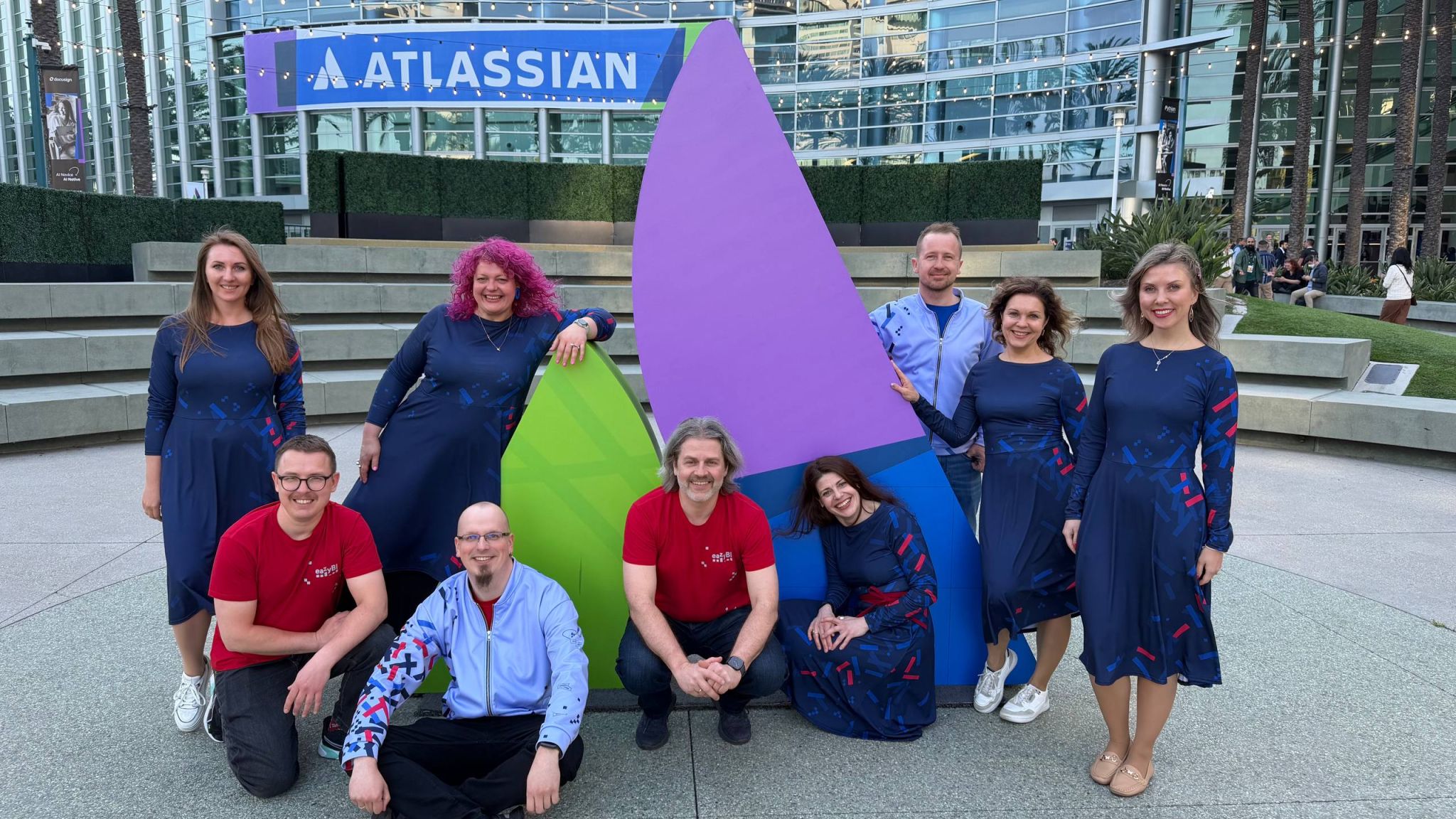

eazyBI at Atlassian Team '26 — Questions We Heard at the Booth
"Can your tool tell me why I have bottlenecks?"
That was one of the questions we heard at Team '26 in Anaheim this year. Two years ago, nobody asked a reporting tool "why" questions — they asked “how” and “what.” This year, that wasn't even the only "why" we heard. And those shifts, more than any industry report, show us what's actually going on in the reporting world right now.
Here are six questions we heard most often this time, some old, some new, and how we answered them.
1. What are the new and cool features in eazyBI?
This is a classic — our current and even former customers are eager to know how the tool has evolved.
We still have our sights set on AI: eazyBI AI Assistants are now embedded across most of the tool, helping you build reports, prepare data, and understand how numbers are calculated.
Beyond AI — new integrations with QMetry and YouTrack. A brand new Gantt chart. New table formatting options. And a lot of background work that you don't see, but feel, like migration to Forge. Learn more about the recent product updates and features here.
And yes, you can also add eazyBI reports to Jira gadgets, which was another question that came up a few times.
2. Why is eazyBI better than other reporting options for Jira (Power BI or Atlassian Analytics)?
This is also an oldie but goodie — how are we better than our competitors? Only the competitors' names change from time to time.
Our answer is usually the same: if you are happy with your current reporting tool, have good know-how, get the support you need, and can answer your own questions well, use it and master it!
Otherwise, give eazyBI a try. It is a proper BI (business intelligence) reporting tool with all main functions, and it scales from small teams to the whole company. Unlike generic BI tools, it works with Jira data directly and integrates with most of the popular Jira apps, which means you can build reports across all of that in one place. And our support team is made up of humans who know reporting and will sit with your specific question until you get an answer.
And we also have cool cat stickers.
We also have a separate blog post comparing eazyBI and Power BI.
3. Can your AI Assistant explain what the report results mean — is it good or bad, and what should I do?
Of course, many questions were about how AI can help with reporting — or even whether you still need reporting at all when there is AI.
eazyBI AI Assistants help you build reports, prepare your data, and explain how the numbers in your report are calculated. What they don't do (yet) is tell you whether the result is good or bad for your business — that part is still on you. For now, you can export the report results to CSV and ask your favorite AI tool to find patterns and give you a second opinion.
But this is also where we like to remind ourselves of a quote:
You can outsource your thinking, but you cannot outsource your understanding.
— Adnan Masood
AI can look at the numbers and find patterns. But understanding what those numbers mean for your team, your product, your customers — that stays with you. And we think that's a good thing.
Where we are heading: solutions that let AI work together with BI, so you get the best of both worlds — trustworthy and traceable data calculated with eazyBI, and more insights from AI on top of it.
4. How do I get started, and where can I learn more about eazyBI?
This one we have heard over the years, and each year we think about how to make the start easier. Now our suggested path is:
- Check our demonstration account — it has several dashboards organized by themes, so you can see what eazyBI actually looks like with data.
- Start a 30-day free trial and build your first reports — the AI Assistants can help you get going. The real benefit comes when you see your own data in reports.
- Go through the first courses in our Learning Center to learn the main concepts and get comfortable with the tool. It already contains 7 courses, from basic to advanced.
- Write to eazyBI support if something is not clear or if you get stuck. They really do read and answer everything.
One thing that surprised us this year was that several Jira admins came to the booth and said, "I don't need to use eazyBI myself, but I would like to learn more about it." So now we have an answer to that — Learning Center.
A small note from our data: while AI Assistants are great helpers to get your reports done, customers who actively use the Learning Center lessons get the most out of eazyBI. The two work best together.
5. What is this book on the shelf?
This year, we brought a book to the Atlassian Team '26: Mapping the Uncharted. A Story of How eazyBI Was Built, written by three eazyBI employees.
The book is about how a small, fully remote team without managers builds a product used by customers around the world, and about our approaches, traditions, and culture. We wrote it because the tool and the team are not separable. Different people would have built a different product.You can read it online.
And finally — cat or dog?
Usually, during our discussions, we inevitably arrive at the main question: Are you a cat or a dog person? Because our cat sticker collection (sneaky cat, disco cat, AI cat, and more) is a magnet that pulls people in.
But this is also an important question. At the end of the day, we are people building a tool for other people — and the conversations that follow this little sticker question often tell us more about our customers than any reporting requirement could.
And more frequently asked questions can be found on our product page.